
Download SIGMA Android 1.0 APK – business management, workflow automation, PDCA, QR code scanner, work order management
Overview
SIGMA Android 1.0 is a business management and workflow automation tool developed by Rede Industrial, a company specializing in industrial automation solutions. Designed specifically for organizations implementing the PDCA (Plan-Do-Check-Act) process improvement methodology, the app serves as a digital workspace for managing job requests, work orders, and operational tasks. It enables supervisors and team leaders to streamline engineering and management workflows, particularly in industrial environments where process consistency and asset tracking are critical. The application supports remote access, allowing users to approve filings, review equipment status, and monitor schedules from any location.
As an organization-exclusive platform, SIGMA Android 1.0 requires individual login credentials, ensuring controlled access and enhanced security. It is not publicly available on major app marketplaces such as Google Play, which means distribution is limited to direct downloads from the developer’s website. This setup suits internal deployments within companies that have already adopted the Sigma process framework. The app focuses on inter-departmental communication, helping teams coordinate tasks related to maintenance, production, and asset management. Its core purpose lies in digitizing manual processes and reducing delays in operational workflows.
Key Features & Capabilities
- Work Order Management: Allows users to create, assign, and track work orders for maintenance and production tasks, improving task visibility and accountability.
- Job Request Handling: Enables employees to submit job requests that supervisors can review and approve remotely, reducing delays in workflow initiation.
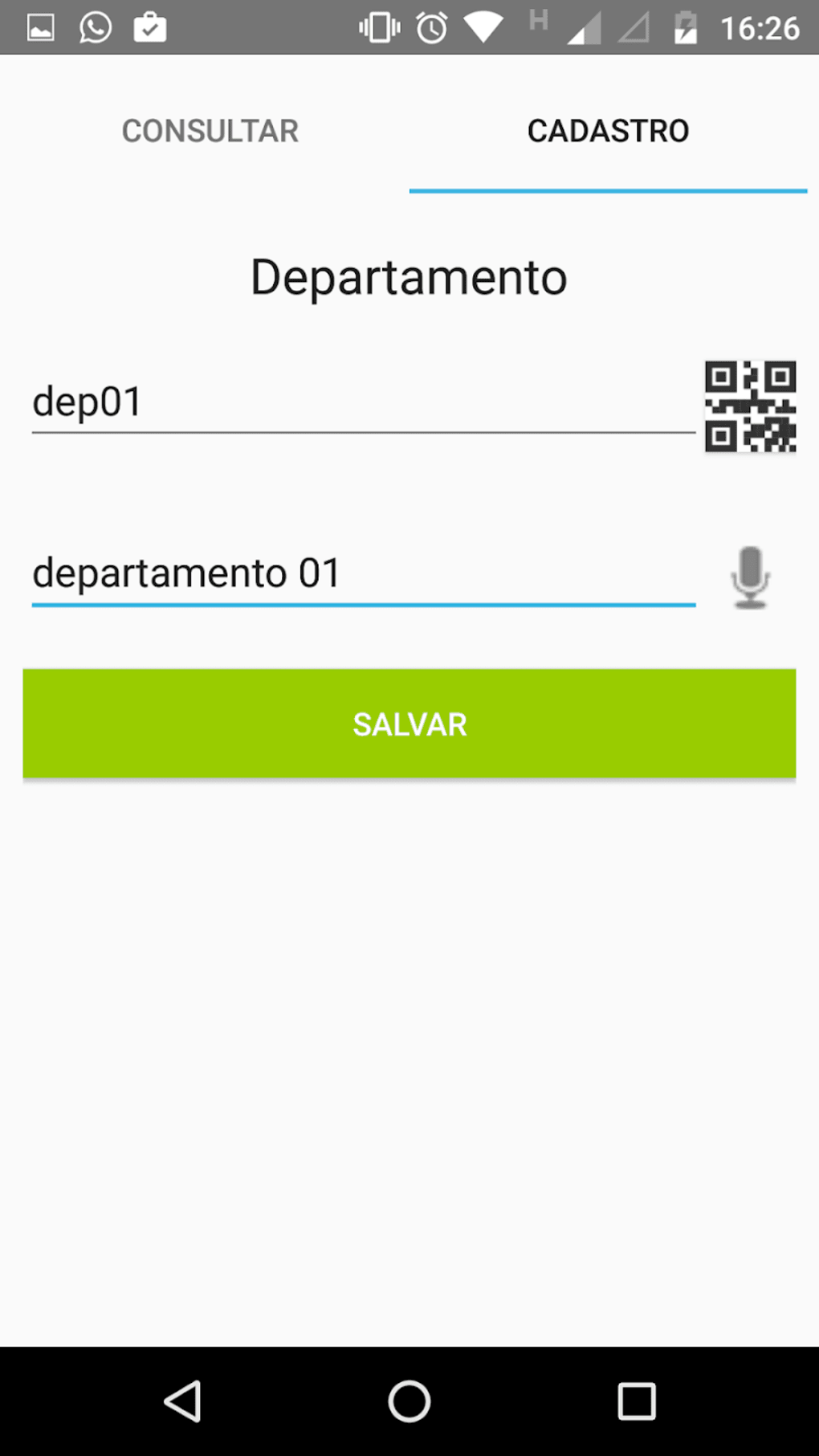
- QR Code Scanner Integration: Facilitates quick access to equipment or material data by scanning QR codes, streamlining asset tracking and inventory checks.
- Production and Maintenance Data Access: Provides real-time visibility into registered machine data, supporting informed decision-making and preventive maintenance planning.
- Supervisor Task Coordination: Supports scheduling, task assignment, and response tracking, helping supervisors manage team activities efficiently.
- PDCA Process Support: Aligns with the continuous improvement framework by offering tools to document and monitor process changes and outcomes.
These features are particularly useful in industrial settings where timely responses to maintenance needs and clear documentation of operational changes are essential. The QR code scanner enhances on-site efficiency by allowing instant access to equipment history or maintenance logs. While the app supports basic automation, its functionality is limited to internal organizational use and does not include advanced analytics or reporting tools.
User Interface, Workflow & Performance
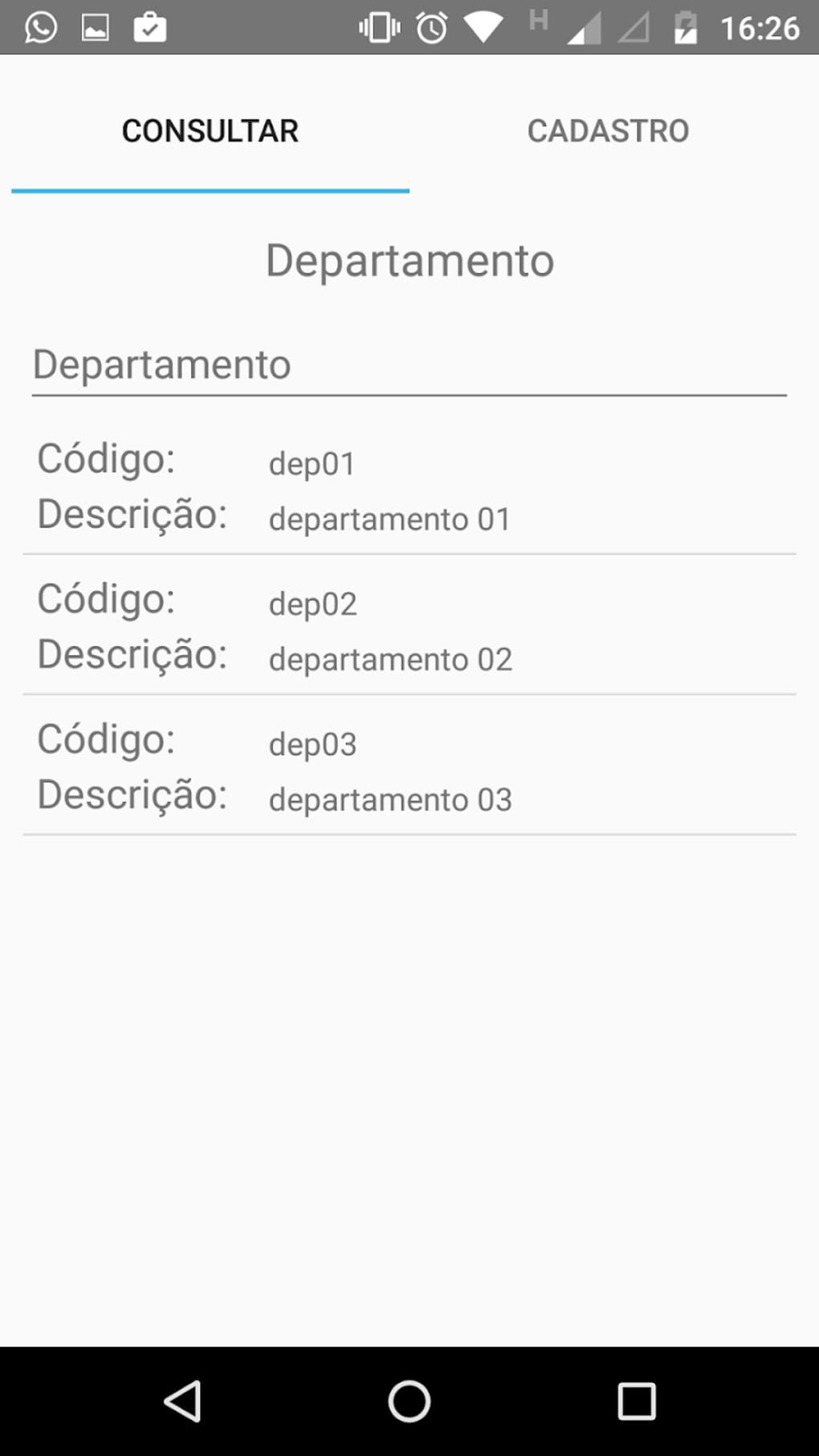
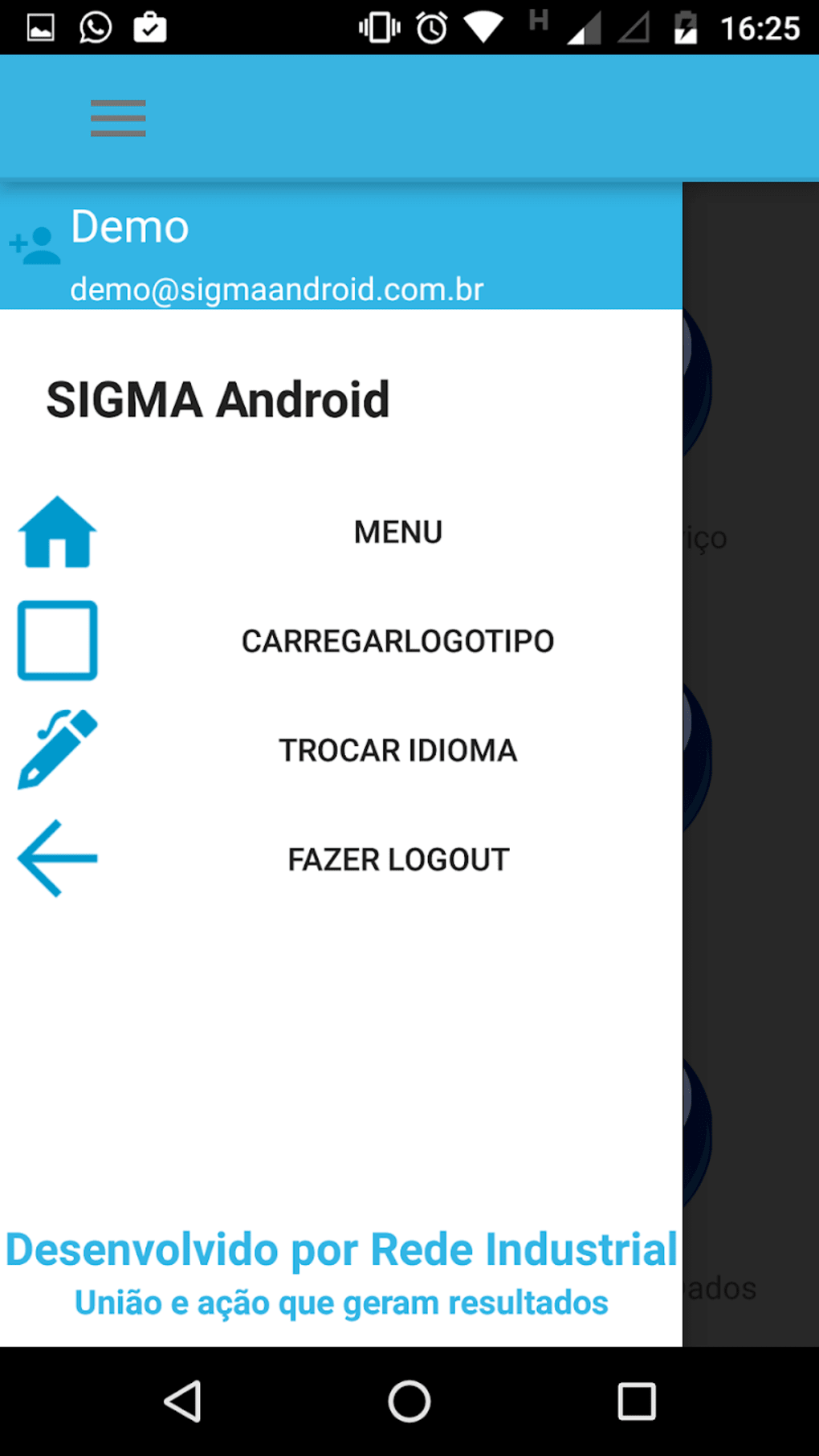
The user interface of SIGMA Android 1.0 features a minimalistic design with plain text elements, white backgrounds, and static layout components. Navigation appears to be linear and task-focused, prioritizing functionality over visual appeal. Users can access core features through a central menu, with workflows structured around approval cycles, data entry, and scanning tasks. The interface does not include dynamic animations or modern UI components, which may affect user engagement over time.
Performance observations are based on general software behavior patterns. The developer did not specify resource usage details. However, reports indicate that the app may experience lag during high-usage periods, particularly when scanning QR codes or loading detailed machine data.
This could lead to delays in task processing and reduced workflow efficiency. Stability appears to be consistent under normal conditions, but the app is no longer supported, which may impact long-term reliability. The lack of updates suggests that future compatibility with newer Android versions is uncertain.
Compatibility & System Requirements
SIGMA Android 1.0 is designed for Android devices. The application has a file size of 15.6 MB, indicating a lightweight installation. The developer did not provide additional system requirements. Compatibility information is limited to the Android operating system, with no mention of specific version ranges or hardware specifications. Users are advised to ensure their device meets basic Android functionality standards before installation.
Since the app is not available on the Google Play Store, users must download the APK file directly from the developer’s website. This distribution method requires enabling "Unknown Sources" in device settings, which may pose security concerns for users unfamiliar with sideloading. The lack of official marketplace hosting also limits automatic updates and version control.
Pros and Cons
Pros
- Free to use with no licensing fees
- Supports QR code scanning for fast asset and equipment access
- Facilitates remote approval of job requests and work orders
- Designed for internal organizational use with secure login access
- Lightweight installation at 15.6 MB
- Aligned with PDCA process improvement methodology
Cons
- Outdated user interface with static, plain design
- Reported lag and performance delays during use
- Not available on Google Play or other major app stores
- No longer supported by the developer
- Limited functionality compared to newer versions
- Requires manual APK installation from developer website
FAQ Section
Is SIGMA Android 1.0 available on Google Play?
No, the app is not available on the Google Play Store or other major app marketplaces. It must be downloaded directly from the developer’s website.
Is the app safe to download and install?
As a direct APK download, users should ensure they are accessing the file from the official Rede Industrial website. Installing apps from unknown sources carries inherent risks and should be done with caution.
Can I use SIGMA Android 1.0 without an internet connection?
While the app may support limited offline functionality for viewing stored data, full features such as approvals and real-time updates require an active internet connection.
What kind of license does SIGMA Android 1.0 have?
The software is free to use and distributed under an organization-exclusive license, meaning access is granted only to authorized users within a company that has been set up by the developer.
Does the app receive regular updates?
No, the app is no longer supported by the developer. As a result, it does not receive updates for security, performance, or compatibility improvements.
Final Thoughts + CTA
SIGMA Android 1.0 remains a functional tool for small to medium-sized industrial organizations seeking to digitize basic workflow processes. Its core features—work order management, job request handling, and QR code scanning—offer practical value in environments where process consistency and asset tracking are essential. However, the app’s dated interface, performance lag, and lack of ongoing support make it less suitable for long-term use. For organizations looking to modernize their operations, transitioning to a newer version such as SIGMA Android 2.0 is strongly recommended.
While it serves as a basic automation solution for internal teams, users should be aware of the risks associated with sideloading and unsupported software. If your organization already uses this platform, it may still fulfill immediate needs. However, for new deployments, consider evaluating more current alternatives.
Download SIGMA Android 1.0 now





.png)

